
Featured
Some features & applications of Ventity:
View More Featured Items-
Data Science meets the bottom line
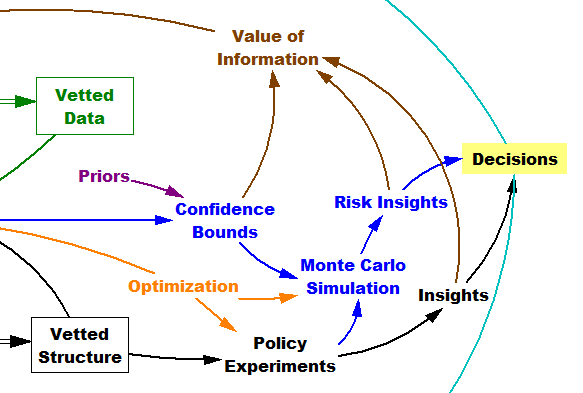
Ventity can be used to put big data in context, by incorporating the learnings from big data in simulations that account for organizational structure and finances. Ventity can also do data intensive simulation, with an architecture friendly to relational data and dynamically changing lists, optimization for calibration, and much more on the road map.
-
Data-Friendly Architecture
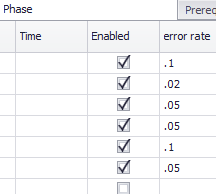 Ventity fits relational and ad hoc data sources naturally, because it represents detail with collections of entities rather than arrays. You can enter data easily, with convenient builtin tables or spreadsheet links.
 -
Team Oriented Design
Ventity’s modular model format allows for multiple people to work on different parts of a model at the same time. This video shows some of the opportunities for team model building in Ventity.
News
We invite you to read about recent releases and other news:
View More News-
Ventity 5.2 Release
Feature Enhancements ·Sensitivity Analysis now uses parallel simulation which utilizes available processors to speed up the process ·Save Period to reduce size of output files and speed up processing ·Sensitivity Progress Window has been added to monitor the progress of a sensitivity run ·Style Sheets can now be used to change font sizes and colors
-
Ventity 5.1 Release
Ventity 5.1 adds new features including Run Lists, Style Overrides, and options to hide run-time warnings. This version also supports the use of entities created during the simulation by sensitivity and optimization parameters. See the help for more details.
-
What’s New @ ISDC 2024
Video from the Ventana Systems vendor demo/user group session at the 2024 System Dynamics conference in Bergen. See also: the new workshop video.